Excel and local systems vs cloud software: when it pays to switch
The three thresholds that decide the switch, and how to make it module by module without losing your spreadsheets or your history.
- By Aragro Team
- Published
- 13 min read
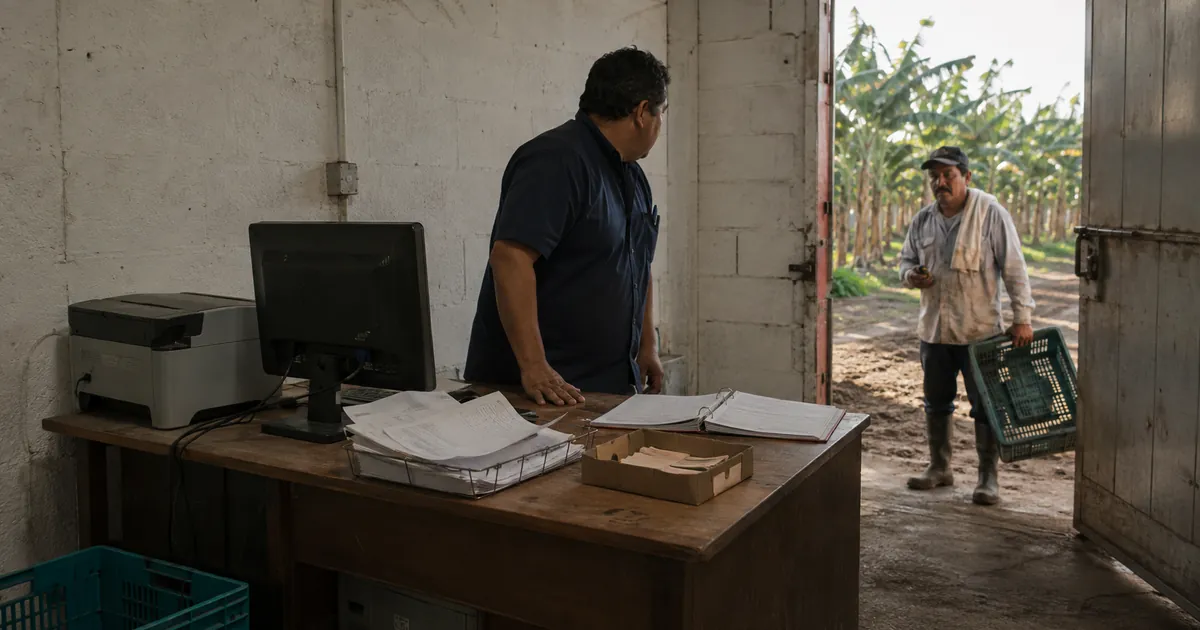
Moving from Excel, or from a system installed in the farm office, to cloud software pays off once three thresholds are crossed: more than one person records data, someone needs a figure during the work rather than at month-end, and pay depends on units and employer contributions. Until they are crossed, a well-built spreadsheet is the right tool and switching only adds work.
When a farm should stop using Excel: the three thresholds
The thresholds are observable: they do not depend on how much you like Excel, but on how the farm works today.
First: more than one person records. While a single person fills the file, the spreadsheet behaves. The moment the crew leader, the office and the accountant all touch it, you get payroll_v3_final.xlsx, the email saying "this is the real one", and the run made on an old copy. It is not carelessness: a file has no way of knowing who is authoritative when two people edit it the same day.
Second: the question arrives during the work. "How much have I spent on field 7?" is worth something on the Tuesday when one more application is being decided; by month-end it only explains what already happened. A spreadsheet answers historical questions well and present-tense questions badly: someone has to consolidate it first.
Third: pay depends on units. Fixed day rates fit in a spreadsheet. Piece-rate pay with a per-worker tally, bonuses and employer contributions demands something else, as the full flow of farm payroll shows: every run is a fresh calculation over data that arrives from the field the same day.
A fourth symptom confirms the three: if you want to compare two cycles — costs, or estimate against actual harvest — and the categories changed between them, the spreadsheet has stopped working as a record.
What actually breaks in a spreadsheet
The problem does not come from whoever keeps the file. A spreadsheet preserves every small error with perfect fidelity and then propagates it through references and copied formulas.
Raymond Panko's review of spreadsheet errors (EuSpRIG, 2000; posted to arXiv in 2008) summarizes audits and experiments from the 1980s and 1990s: field audits using the more rigorous methods found errors in at least 86% of the operational spreadsheets examined, against 24% in the early audits, which simply detected worse; even in the laboratory, with sheets of 25 to 50 cells, 51% came out with errors. Cell error rates sit between 1% and 2%. The uncomfortable part is that this rate matches the normal ceiling of human accuracy, not negligence: the only thing that worked in Panko's experiments was cell-by-cell inspection by several people, which no farm does to its payroll.
Translated to a farm: a semi-monthly payroll for 25 workers with six calculated columns is about 150 formula cells. At that rate, one to three of them are expected to be wrong on every run, twenty-four runs a year. If one moves a worker's pay by 5%, on a pay period of 3,000 that is 150 going out or missing. The amount is not the serious part: the serious part is that nobody knows which cell it was, and the worker who is short 150 does notice.
A system will not stop someone typing 12 where 21 belonged. It stops the other three: that 21 being copied wrong into four more cells, two versions of the file carrying different figures, and nobody being able to say afterwards who changed it. A typo is fixed the same day; the error that spreads quietly is the one that reaches the payment.
Has your spreadsheet already broken?
A failing spreadsheet gives no warning, and eight years without a scare do not prove it is sound — they prove nobody has checked. Four tests, one hour:
- Total the pay column separately, on a calculator, and compare it with the spreadsheet's total.
- In the last pay period, look for cells with a hand-typed number where a formula belongs.
- Take three workers at random and recalculate their pay period from the field tally.
- Open the same month's payroll from last year and check that the cost categories are the same.
If something fails to reconcile in an hour of checking, it has not been reconciling for a while.
One event, five files
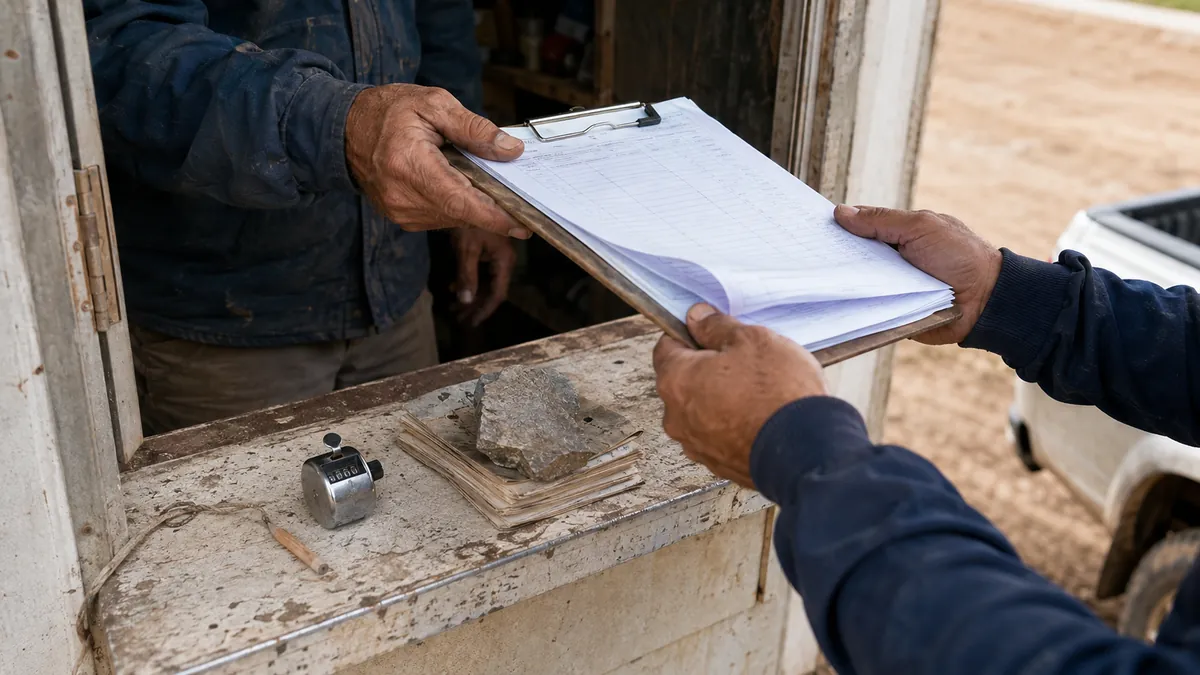
That Tuesday on field 7 is one event: a crew worked one plot, with certain inputs, certain machine hours and a certain amount of progress. In a spreadsheet that event splits into five: the attendance list, the piece-rate tally, the warehouse issue slip, the machine log and the payroll sheet. A different person fills each one at a different moment, and at close someone has to join them back together. Every join is a chance for them to disagree, and the spreadsheet does not say which one failed.
The work order exists so the event is never split. It is one document opened before the task and closed after it, carrying at once, per cost center: who showed up and how much each of them advanced, which inputs left the warehouse and which came back, which machines worked and for how many hours, and the task's measurements. When it closes, that same data already is the attendance, the piece rate, the warehouse consumption, the field's cost and the basis of payroll — with nothing typed twice.
That is the answer to the second threshold. "How much have I spent on field 7?" can be answered during the work because the data arrived with the work, not after five files were reconciled.
The system installed in the office: the other thing you are replacing
Excel is not the only system being replaced. Many farms bought a program years ago that installs on one computer with its own local database. Against a spreadsheet that is real progress: it validates data, it does not overwrite itself, it has reports.
Its limit is where the data lives. Ask yourself three questions with a date and a name attached. When was the last backup, and who verified it? If that computer does not start on payday Monday, where does the payroll come from? If tomorrow you wanted the last five cycles in a single file, who would you call and how long would it take? When all three answers point to the same machine or the same person, the problem has stopped being the program.
What weighs most does not show up in feature lists: a shared file opens all at once — if the crew leader records attendance, they see everyone's wages — and it keeps no record of who changed a figure or who approved a purchase. The only defense inside the spreadsheet is a second, trimmed file kept in sync by hand, which is to say another source of errors.
| Spreadsheet | Installed system | Cloud software | |
|---|---|---|---|
| People recording at the same time | One per file | One or few, on that machine | Several, from wherever they are |
| Figure available during the work | Once consolidated | Only in the office | At the moment |
| Who sees wages | Whoever opens the file | Depends on the program's user | Granted per person, separately from recording |
| Trail of who changed what | None | Depends on the program | History per record |
| Backup | Manual, by whoever remembers | Of that computer | By the provider |
| Getting your data out | Immediate: the file is already yours | Usually goes through whoever installed it | Export to XLSX or CSV |
| Needs internet | No | No | Yes |
What switching to cloud software actually costs
Connectivity. Cloud software needs internet where the recording happens, and in the field that cannot be assumed. The IICA report on rural connectivity in Latin America and the Caribbean (2nd edition, 2022, 2021 data) estimates 72 million rural inhabitants across 26 countries without quality connectivity, and puts meaningful rural access at 43.4% against 79% urban. Plan for it rather than discover it.
The cost of the software, against what the spreadsheet already costs. Excel looks free because it is already paid for. What is not paid for is time: if consolidating the fortnightly payroll and assembling the month's cost take six hours a month between the office and the crew leader, that is 72 hours a year, before the corrections that surface later. Do that arithmetic before looking at any price — it is the only number a subscription price can be compared against honestly.
Time and learning. Loading catalogs and agreeing who records what falls on the same people who have to bring the harvest in, which is why the first month covers a single module, in a low-activity window. And whoever has kept the spreadsheet for years will be slower for a few weeks.
How to migrate to cloud software module by module
The most common way to fail is moving everything at once, in season, with all the history. There is no need.
Start with one module: the one that hurts most, usually payroll or attendance.
The catalogs come out of your own spreadsheets, and what you never had you do not type. Fields, employees, positions, items, machines and cost centers import from CSV or XLSX, the format you already have them in; the farm's map goes in as a KML or KMZ file, or gets drawn on the map. What never existed in a spreadsheet — activities, inputs, salary structures — is picked from prepared catalogs instead of typed. Insist that the import previews before it writes and leaves a record of which rows failed and why: importing blind is how a new system gets dirty on day one.
The order is not yours to invent. First the farm and the crop cycle; then crop stages and varieties, which the plots depend on; then positions, which employees depend on; then categories, which inputs and activities depend on; and opening warehouse balances last. A good system ships that implementation list and blocks the step whose prerequisite is unfinished. A spreadsheet lets you start anywhere, which is why a spreadsheet's history so rarely reconciles backwards.
The goal of the first month is one closed work order, not a "configured" system. Configuring without recording produces a tidy catalog and no data; a single real task — with its crew, its inputs and its progress — tests the load, the permissions, the warehouse flow and the cost per plot all at once.
Excel changes role. It is no longer where you capture, but where you analyze: data is recorded once and exported to XLSX or CSV for the same pivot table, for the accountant or for the bank. Whoever masters Excel does not lose their tool — they lose the second round of typing.
You do not migrate the whole history — but decide where it lives. Import catalogs and open balances; closed cycles stay as a read-only archive. If that archive stays on the same computer you are replacing, you have solved nothing: export each closed cycle to XLSX or PDF, keep it in two places, and write down who holds it. Migrating years of closed detail into the new system is expensive and rarely consulted, and whoever promises to bring it all across has usually not tried reconciling it.
Insist the change is reversible: can I export all of my information to XLSX or CSV whenever I want, without permission and without extra cost? And record two weeks in parallel before retiring the spreadsheet: running payroll in both systems and comparing is what lets you find the differences before they matter.
What this looks like in Aragro
Aragro's work order is that single document. It opens against an activity — field work, harvest, spraying, irrigation, planting, nursery, transport, repair — and moves through states until it closes: open, scheduled, in progress, completed. Inputs run their own request-assign-return loop inside it, and the order will not close while something is unresolved. Progress is measured per crew or per worker, depending on the activity. On closing, labor, inputs and machine hours land in each plot's cost center and feed the pre-payroll, which is what makes cost per field comparable across cycles.
Around that: the import wizard accepts CSV and XLSX, previews before writing and reports the outcome row by row; listings and reports export to XLSX, CSV and PDF honoring the filters on screen; there are invoice and journal exports for Exactus and machinery and input cost-center exports for Agroprime, enabled per account depending on the plan. Permissions go by role, with see costs and see wages separate from the permission to record, so the crew leader closes their crew's order without seeing a single wage.
The limits, stated plainly. Aragro works online: there is no offline mode in the field. With no signal on the block, the crew leader writes on paper and records on reaching somewhere that has signal, the same day — still one capture, not two. What does not work is a block without signal plus a capture postponed to next week. Payday Monday's payroll runs from the office. Your data stays yours: listings and reports come out to XLSX and CSV whenever you want. Aragro records and calculates: it does not move money and does not by itself validate your country's legal minimums. This is general management guidance, not legal or tax advice.
When is switching not worth it?
If you run one farm, keep the records yourself, pay fixed day rates, and your spreadsheet passed the four checks above, do not switch. You would spend a month of work on a problem you do not have yet. Come back to this decision when a second person starts recording, when piece rate appears, or when you cannot compare this cycle against the last one.
And if you decide to try, write down what you spend today — with the production cost per field calculator or, if you already pay by unit, the piece-rate pay calculator — and run four weeks against that number. If after a month payroll reconciles faster and you know the field's cost without asking anyone, the decision is made; if not, you have closed the question for a full cycle. What each plan includes is on the product overview and plans and pricing.
Frequently asked questions
When should a farm stop using Excel?
When more than one person records data in the same file, when you need a field's running cost during the work rather than at month-end, or when pay depends on harvested units and employer contributions. With one farm, one person and a stable cycle, the spreadsheet is still the right tool.
Is Excel reliable for tracking farm costs?
It is reliable for calculating and fragile as the farm's only memory. Raymond Panko's review of operational spreadsheet audits (EuSpRIG, 2000) reports errors in at least 86% of the files examined under the most rigorous methods, at cell error rates of 1% to 2% — which match the normal ceiling of human accuracy, not carelessness.
What happens to my history if I change systems?
You do not have to migrate all of it. The sensible practice is to import the catalogs (fields, employees, items, cost centers) and open balances, and keep closed cycles as a read-only archive you can still look things up in, stored somewhere other than the machine you are replacing. Migrating years of closed detail is expensive and rarely consulted.
Can you use farm software and Excel at the same time?
Yes, and it is usually the best way to start. The software becomes the place where data is recorded once, and Excel changes role: you export what is already recorded to XLSX or CSV and keep working with the same pivot tables, without typing anything twice.
What do I need to run cloud software in the field?
Internet where the recording happens. It is a real constraint: the IICA rural connectivity report (2nd edition, 2022, with 2021 data) estimates 72 million rural inhabitants across 26 countries of Latin America and the Caribbean without quality connectivity, and puts meaningful rural access at 43.4% against 79% urban. Many farms record in the office or wherever there is signal.
How do I avoid getting locked into a software vendor?
Before signing, ask whether you can export all of your information to XLSX or CSV whenever you want, without asking permission and without paying extra. An easy exit is what makes the change reversible; a system that only produces PDF reports makes the decision hard to undo.